Upload Your Schedule to Akolades
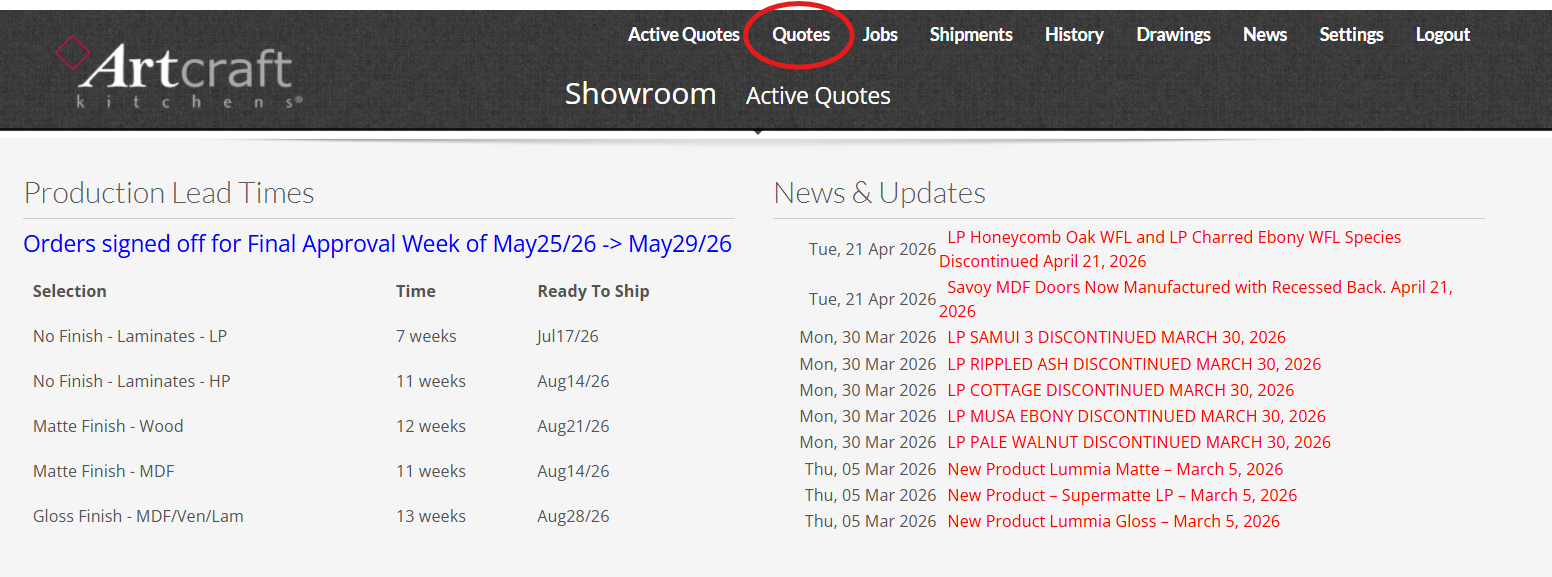
Sign into Akolades. Click on 'Quotes' tab.
Select your name from the drop down. Then click the New Project button.

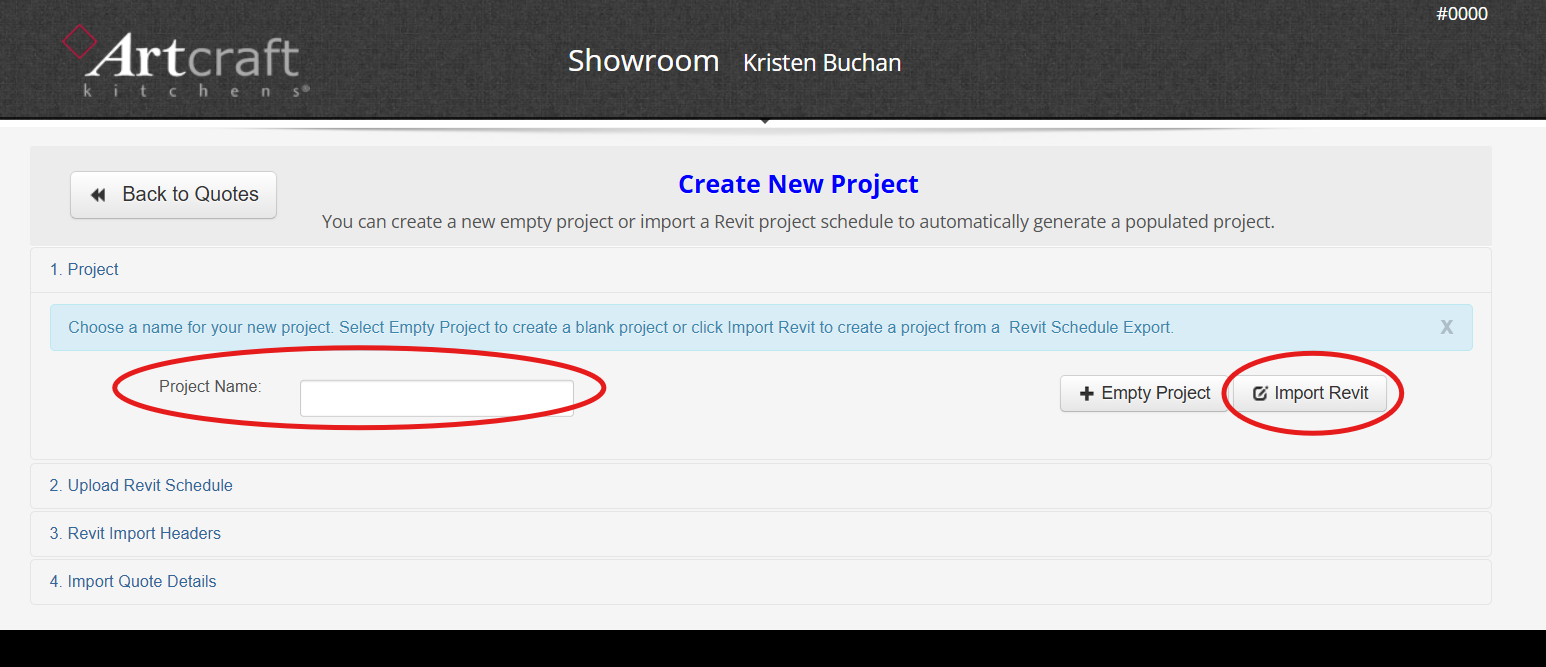
Name your project and then click the 'Import Revit' button.
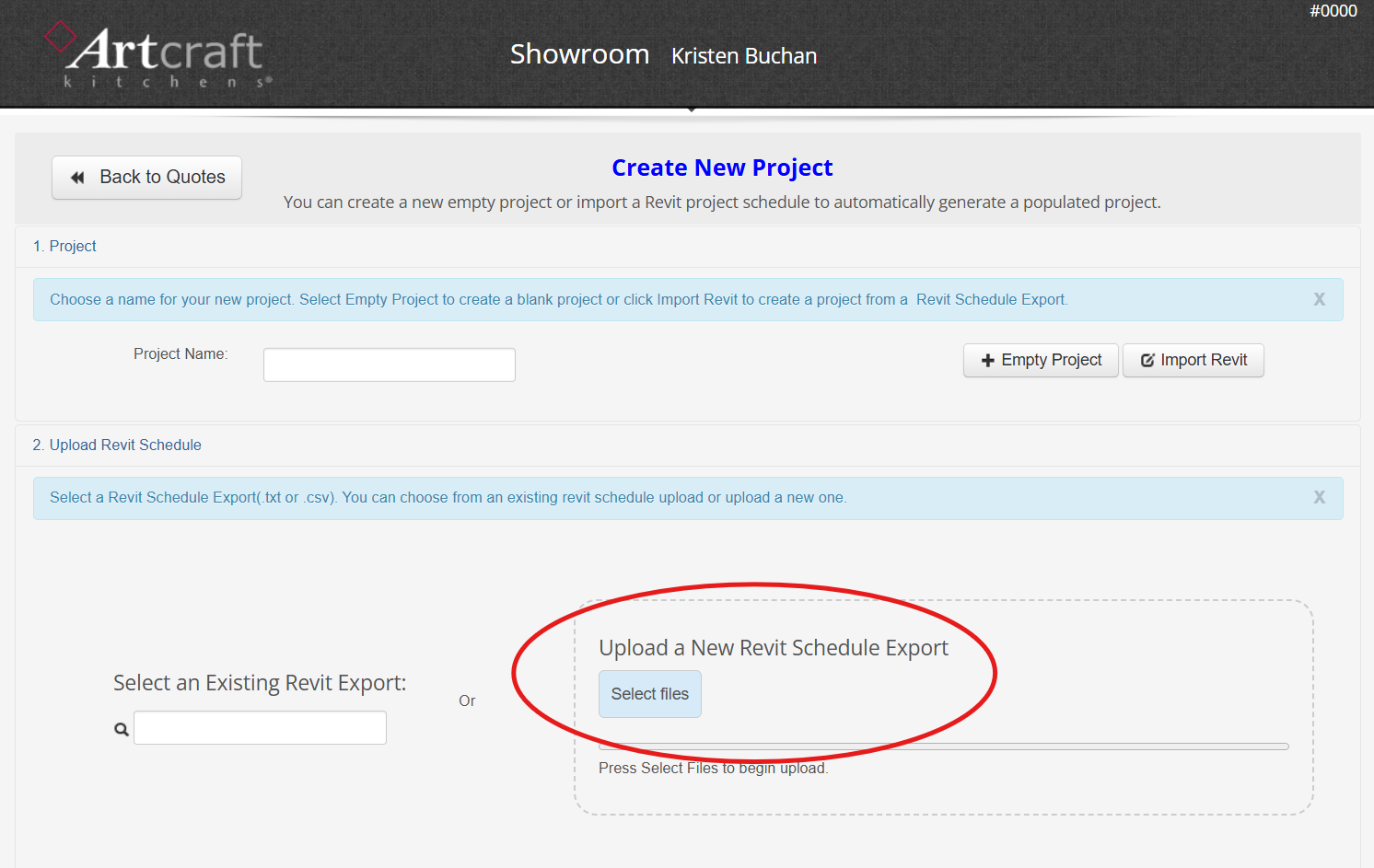
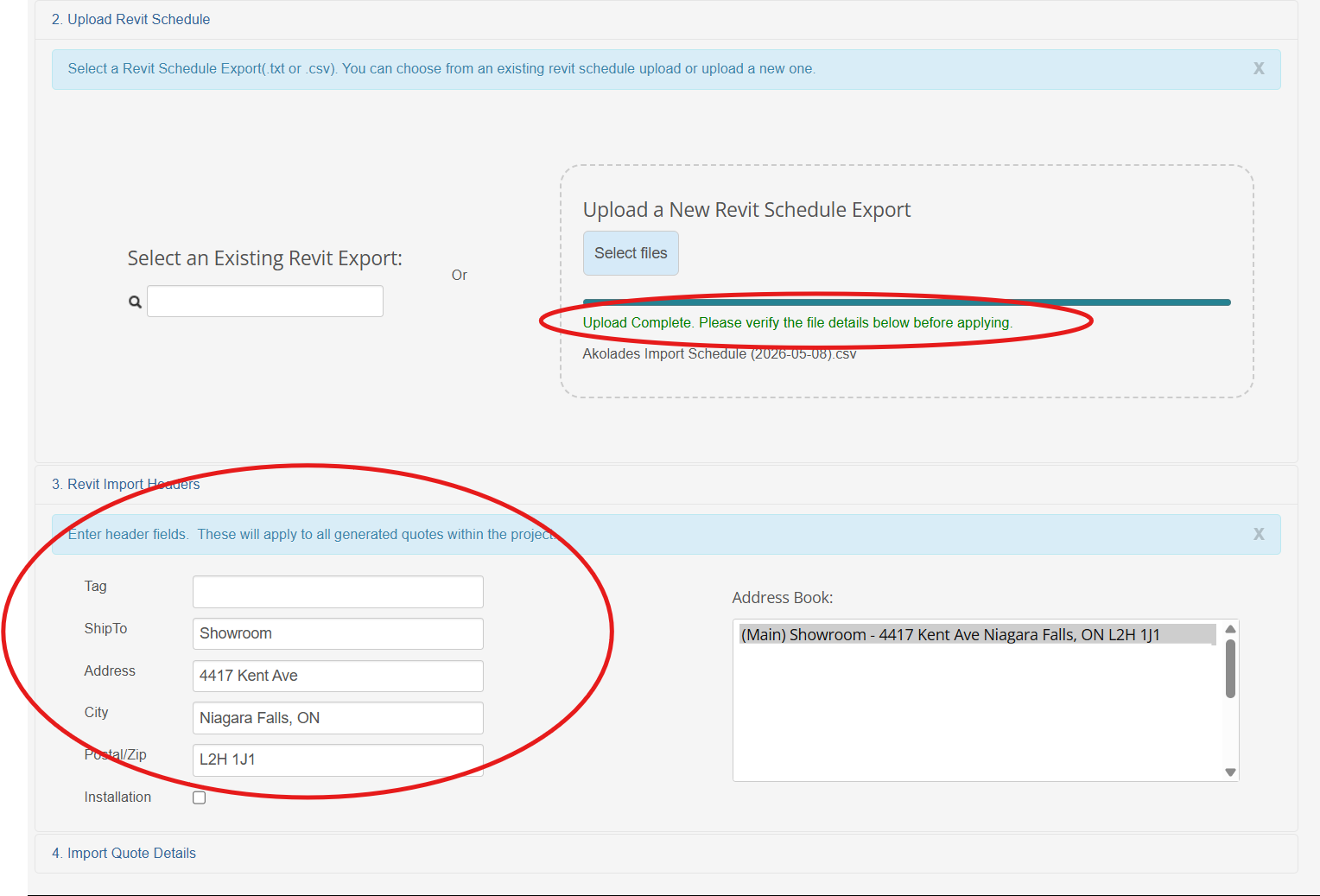
Click 'Select Files' and find the Excel file version of your Schedule that you just saved.
Your upload will say complete. Now you can enter header fields. These will apply to all generated quotes within the project.
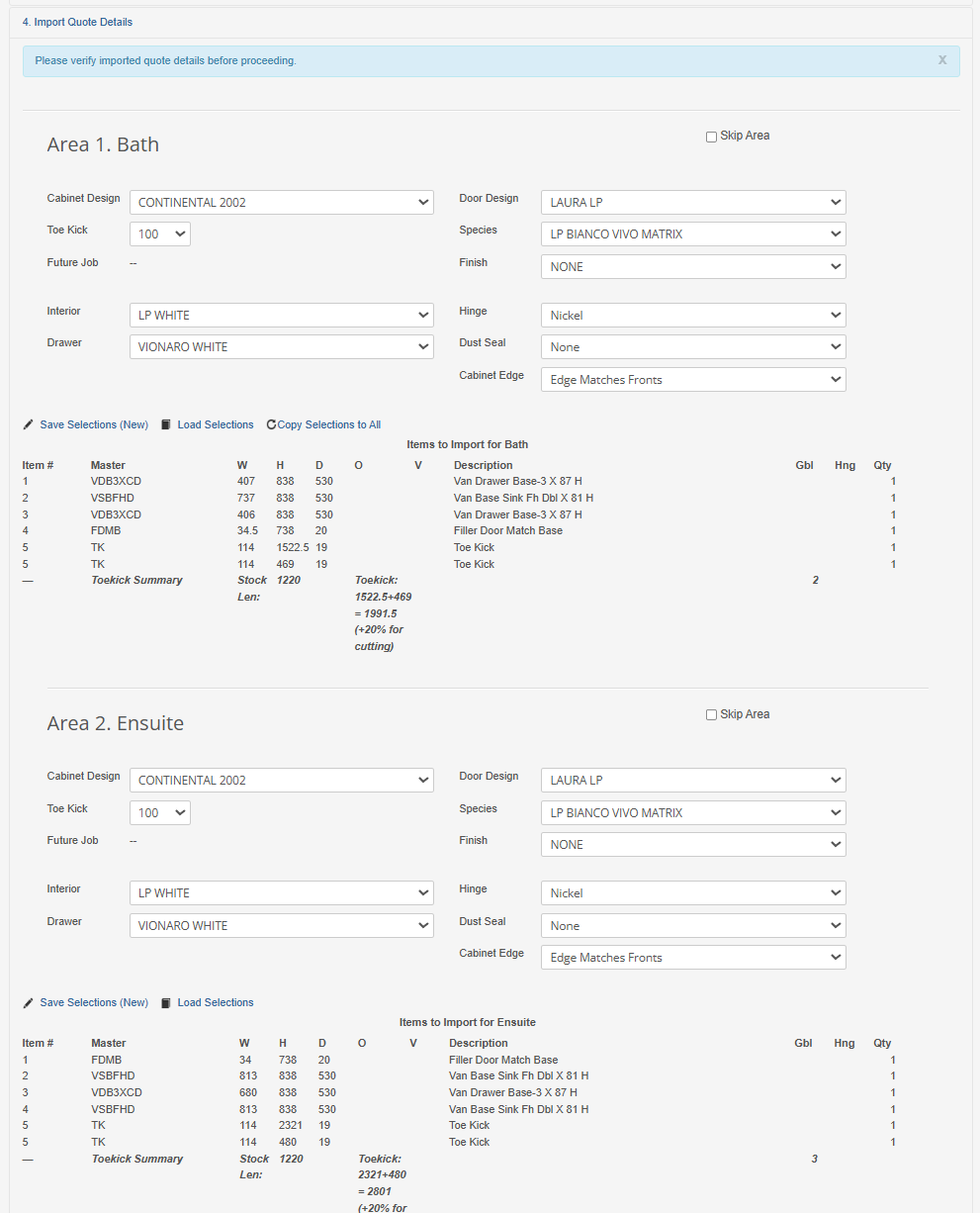
Each Area from your Schedule will create a different quote. Specify the details for each. If they are all the same, you can use the "Copy Selections to All" Option.
A preview of your items in each area will appear. Please verify imported quote details before proceeding.